
Mosan Multiverso

Welcome to Mosan Multiverso

Online tools, technology and repair within your reach

Everything you need in one place

At Mosan Multiverso you will find practical and free tools to make your day-to-day easier: convert PDF to Word, compress documents, generate secure passwords, count words and characters, and automatically format your papers with APA/Chicago styles. Everything is designed so you can work faster and with fewer complications.

Get to know Mosan Multiverso and its creator

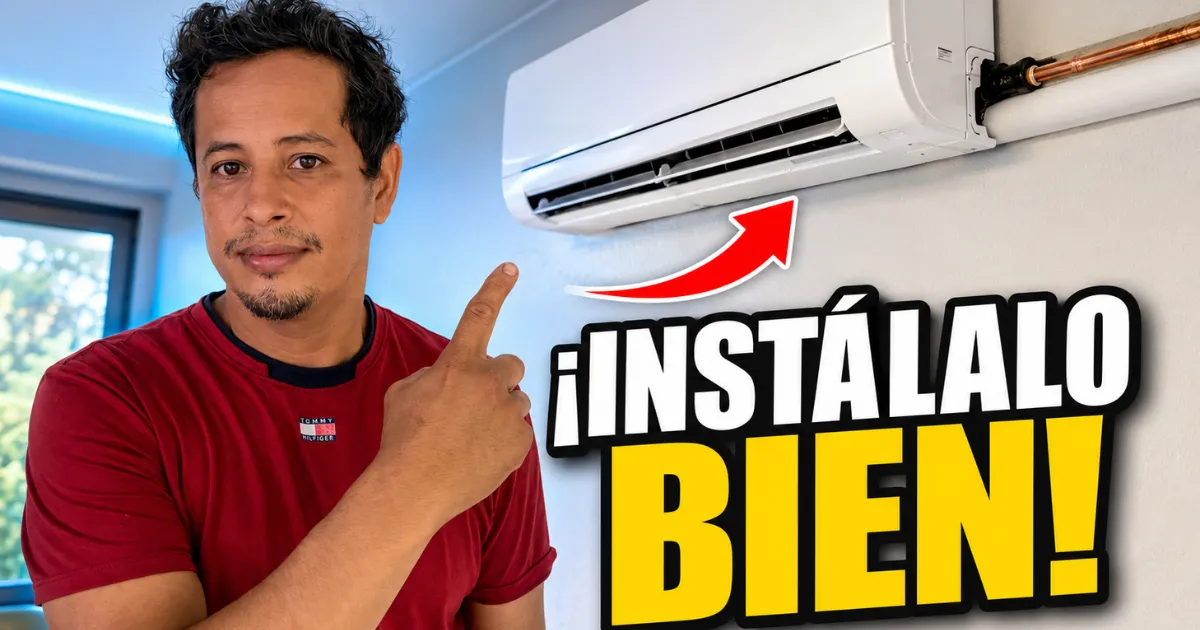
Mosan Multiverso is an independent project created by Jesús Molina, refrigeration technician, programmer and content creator. From Ecuador, I develop online tools designed for students, professionals and businesses that need simple but powerful solutions. Here I combine technology, repair and electronics to help you solve real problems, step by step and in clear language.

Creadores de Mosan Multiverso

Mosan Multiverso es un proyecto creado por dos hermanos apasionados por la tecnología y la reparación. Combinamos experiencia técnica y desarrollo web para construir herramientas online útiles y compartir contenido práctico que ayude en el día a día.

Jesús Molina

Jesús Molina

Técnico en Refrigeración y Programador Web

Encargado del desarrollo de herramientas y la programación del sitio. Crea contenido práctico sobre diagnóstico y reparación de refrigeración, electrónica aplicada y tecnología.

Ver biografía completa


Isaías Molina

Isaías Molina

SEO, Editor y Creador de Contenido

SEO y editor profesional con experiencia en empresas de gran escala. Creador de contenido, YouTuber y podcaster, con enfoque avanzado en finanzas y desarrollo personal. Une estrategia, creatividad y análisis para producir contenido optimizado para posicionar, retener audiencia y convertir.

Ver biografía completa

What is Mosan Multiverso and how can it help you?

Mosan Multiverso is a web platform where you will find free online tools to work with documents, calculations and everyday digital tasks. The goal is to save you time, reduce errors and let you focus on what matters, while the technical side is handled with simple but powerful solutions.

Online tools for students, professionals and businesses

If you work with documents every day, at Mosan Multiverso you can convert PDF to Word, transform Word files into PDF, count words and characters, generate secure passwords and automatically format your papers with APA or Chicago styles. Everything runs from your browser, with no complicated installations and with guided steps so that anyone can use the tools without advanced knowledge.

The tools are designed for students preparing assignments and research papers, professionals who need to process documents quickly and businesses that require agile solutions to manage files, calculations and formats. The idea is that with just a few clicks you get clean, ready-to-use results.

A project created by a technician and programmer

Behind Mosan Multiverso is Jesús Molina, refrigeration technician, equipment repair specialist and web developer. Experience working with refrigerators, air conditioners and electronic equipment is combined with software development to create tools that truly solve everyday and technical problems.

Each tool is born from a real need: automating repetitive tasks, simplifying processes that used to be done by hand and bringing technology closer to people who are not programming experts. The goal is for any user, from home or the workplace, to take advantage of solutions similar to professional software, but for free and from a clear interface.

How to use Mosan Multiverso step by step

1. Choose the tool you need

From the homepage or the tools menu you can access sections such as PDF, text, calculations and utilities. Each tool has a descriptive name and a short summary so you can quickly identify which one suits you best.

2. Upload your file or enter your data

Once inside, you just need to upload the file or fill in the required fields. The form is designed to make the process clear, with basic instructions and no unnecessary steps. You do not need to sign up or install additional programs.

3. Download the result and keep working

At the end, you can download the processed file or view the result directly on screen, depending on the tool you are using. This way, you can keep working on your project, send the document or share the information without wasting time on complex technical settings.

Últimas entradas del blog

HOW TO SIGN A PDF ONLINE FROM YOUR CELL PHONE IN LESS THAN 1 MINUTE

HOW TO SIGN A PDF ONLINE FROM YOUR CELL PHONE IN LESS THAN 1 MINUTE

Signing a PDF document no longer requires printing pages, scanning files, or installing complicated software. Today, you can sign contracts, authorizations, and other important documents directly from your phone or computer in just a few seconds. In this guide, you'll learn how to sign a PDF online for free, quickly, and securely.

How to sign a PDF received via WhatsApp or Gmail without printing it

How to sign a PDF received via WhatsApp or Gmail without printing it

Receiving a PDF document via WhatsApp or Gmail is very common these days. It could be a contract, authorization, application, letter, form, invoice, certificate, or any file that requires your signature. The problem arises when you're asked to return it signed and you don't have a printer, scanner, or a PDF app installed on your phone.

Best tool to sign PDFs for free from your mobile phone or PC

Best tool to sign PDFs for free from your mobile phone or PC

Signing a PDF document shouldn't be complicated anymore. Previously, many people had to print the file, sign it with a pen, take a picture of it, scan it, and send it again. This process not only takes time but also reduces the document's quality and can become a problem when you need to send something urgently.

Mosan Multiverso
PDFs made simple.