Sign PDFs Online for Free in 10 Seconds (No Registration or Programs)
Sign PDFs online for free in seconds, no registration or software required. Upload your file, add your signature, and download it instantly to your phone or …
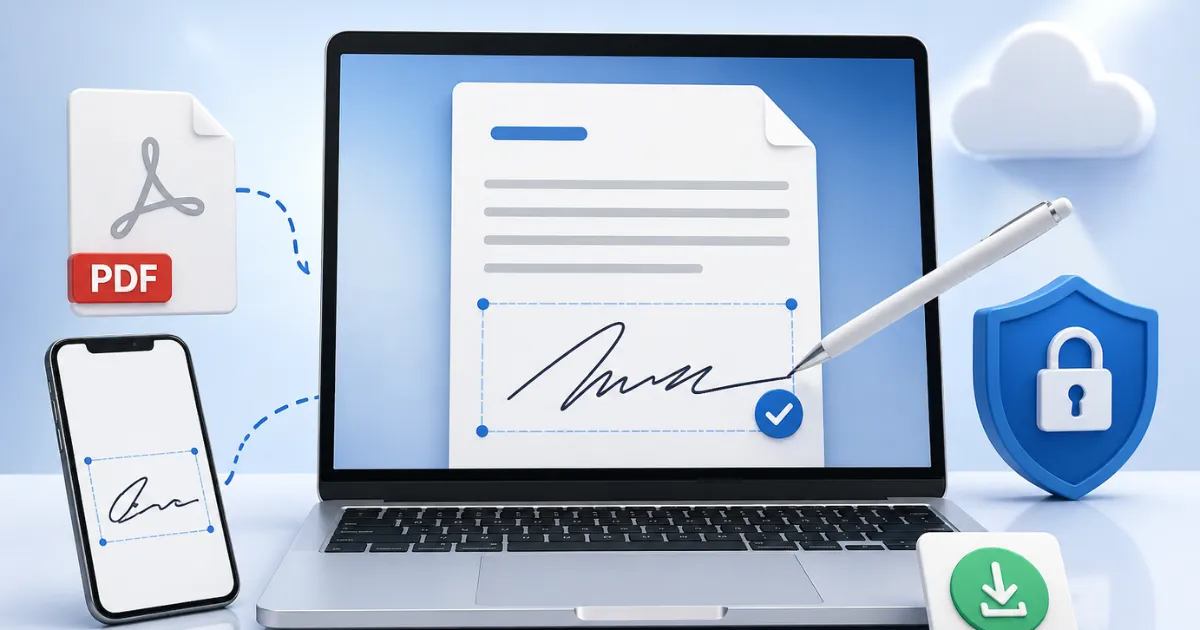
If you need to sign a PDF online for free, quickly, and without installing anything, you can do it here in seconds. You don't need to create an account or download any programs: upload your file, add your signature, and download it—it's ready.
 Sign PDFs Online for Free in 10 Seconds (No Registration or Programs)
Signing PDF documents has never been easier. Today you can add your signature in seconds from any device, whether it's a computer or a mobile phone.
How to sign a PDF online in 10 seconds
Follow these steps:
- Upload your PDF file
- Add your signature (drawn or image)
- Adjust the position
- Download the signed document
Done. Your PDF will be signed without any problems.
Sign PDFs online for free without software
One of the biggest advantages of this tool is that you don't need to install anything. Everything is done directly from your browser, saving you time and space on your device.
Sign PDFs from your phone or computer
You can sign a PDF from anywhere:
- From your touchscreen cell phone
- From your laptop or PC
- From any modern browser
This allows you to sign urgent documents without relying on a printer or scanner.
Easily add a signature to a PDF.
There are several ways to add your signature:
- Sign on a white piece of paper and take a PNG photo with your cell phone.
- Sign on a white piece of paper and take a JPG photo with your cell phone.
Each option is suited to different needs, but all of them work quickly and easily.
Is it safe to sign a PDF online?
Yes. The process is done in real time and doesn't require you to permanently store your documents. Furthermore, you don't need to share personal information or register.
Is a signature in PDF legally valid?
In many cases, yes. Simple electronic signatures are valid for informal agreements or basic documents.
For more formal procedures, it is recommended to use certified electronic signatures.
Advantages of signing PDFs online
- Free and without registration
- Fast (less than 10 seconds)
- No installation required
- Compatible with all devices
- Easy to use
Sign PDF document without registration
Forget about creating accounts or entering emails. You can sign your PDF directly and download it instantly. This makes the process much faster and more secure.
Frequently Asked Questions
How long does it take to sign a PDF?
Less than 10 seconds in most cases.
Can I use this tool on my cell phone?
Yes, it works perfectly on mobile devices.
Do I need to install any programs?
No, everything works online.
Can I sign multiple documents?
Yes, you can repeat the process as many times as you need.
Conclusion
Signing a PDF online for free is the fastest, easiest, and most efficient way to manage documents today. You don't need technical skills or complicated tools.
If you're looking for a practical solution, this tool lets you sign any PDF in seconds and from anywhere.