How to sign a PDF with a digital certificate: a complete step-by-step guide
Learn how to securely and easily sign a PDF with a digital certificate. Discover what it is, why it's important, common mistakes, and a practical guide to do…
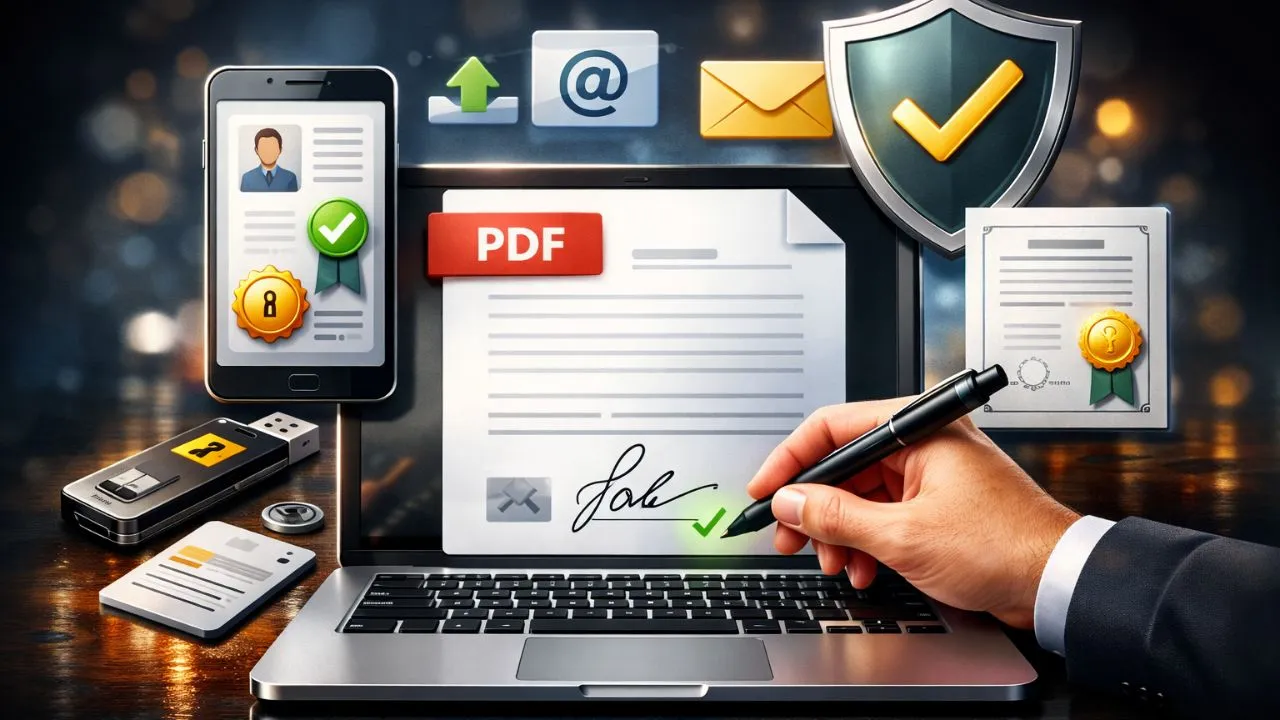
Signing a PDF with a digital certificate is an increasingly common practice to guarantee the authenticity, integrity, and legal validity of electronic documents. In this guide, you'll discover what digital signing means, why it's important, how to do it correctly, and what mistakes to avoid to get the most out of this tool.
Quick answer: What does it mean to sign a PDF with a digital certificate?
Signing a PDF with a digital certificate involves applying an advanced electronic signature using a digital certificate issued by a certification authority. This verifies the signer's identity and ensures that the document has not been modified since it was signed, granting legal validity and enhanced security.
What does it mean to sign a PDF with a digital certificate and why does it matter?
Signing a PDF with a digital certificate involves using an electronic signature that meets legal and technical requirements to identify the signer and protect the signed content. Unlike a scanned signature or a simple image, a digital signature creates a cryptographic link between the certificate and the document.
Why is it important? Because it builds trust in digital transactions, reduces paper usage, simplifies administrative processes, and complies with legal regulations in many countries.
Furthermore, the digital signature allows verification that the file has not been altered after signing, which is essential for contracts, invoices, reports, and other official documents.
Common signs and errors when signing a PDF with a digital certificate
Signing a PDF may seem simple, but many users make mistakes that affect its validity and security:
- Using expired or revoked certificates: May invalidate the signature.
- Signing without verifying the software: Using untrusted programs can put security at risk.
- Modifying the PDF after signing it: This breaks the signature and invalidates it.
- Not protecting the private key: The key must be secure to prevent impersonation.
- Not verifying the signature after applying it: It is key to ensure that the process was correct.
Recognizing these signs helps avoid legal and technical problems.
Practical step-by-step guide to signing a PDF with a digital certificate
Below, we explain how to sign a PDF with a digital certificate using common tools and standard procedures.
Step 1: Obtain a valid digital certificate
To sign, you need a digital certificate issued by a recognized certification authority. You can obtain it through government agencies, private entities, or authorized providers.
Step 2: Install the certificate on your computer
Typically, the certificate comes in a file (for example, .pfx or .p12) that you must install on the operating system or browser so that applications can access it.
Step 3: Choose a program to sign PDFs
There are several options:
- Mosan Multiverse (free version with advanced signature features)
- Adobe Acrobat Pro (more complete)
- Free programs like PDF-XChange Editor, Foxit Reader, or reliable online tools
Step 4: Open the PDF and select the digital signature option
In the chosen program, open the PDF file. Look for the option to digitally sign, usually within the tools or signature menu.
Step 5: Select your digital certificate
The system will ask you to choose the certificate installed on your computer. Select it and, if necessary, enter the private key password.
Step 6: Place your signature on the document
You can define the position where you want the visible signature to appear (if you want it to be visible) or sign invisibly. Most programs allow you to customize its appearance.
Step 7: Save the signed document
Once signed, save the file. The PDF now contains a digital seal that guarantees authenticity and integrity.
Step 8: Verify the signature
It is recommended to open the document and verify that the signature is valid and the certificate is not expired or revoked.
Recommendations and criteria for choosing digital signature software
When selecting a program to sign PDFs with a digital certificate, consider:
- Compatibility with your operating system and certification
- Ease of use and technical support
- Ability to sign multiple documents or batches
- Visible signature customization options
- Compliance with local legal regulations
- Security and privacy of your data and passwords
Choosing recognized and up-to-date software is essential to avoid problems.
Use cases and real-world examples
- Companies that sign contracts with clients and suppliers to streamline processes
- Professionals who certify official reports and documents
- Public administration that digitizes procedures for citizens
- Consultants and advisors who submit electronically signed proposals
Digital signatures with certificates bring value and trust to various sectors.
This vs. that: Digital signature with certificate vs. scanned image
Feature - Signature with digital certificate - Scanned image of signature
Legal validity - High, supported by regulations - Low, easily forged Security - Encryption and integrity validation - Image only, does not protect the document Verification - Automatic and reliable - Not verifiable Use in digital processes - Fully compatible - Limited
Mistakes that cause you to lose results
- Do not update the signature software
- Do not protect the private key with a strong password.
- Sign incorrect or incomplete documents
- Failure to verify that the certificate is valid
- Sending signed documents without verifying their integrity
- Signing files that are later modified
Avoiding these mistakes ensures a successful process.
Checklist for signing a PDF with a digital certificate
- Valid and current digital certificate
- Trusted software installed
- Final PDF file ready for signing
- Protected and accessible private key
- Check the position and appearance of the signature
- Save a backup copy of the signed document
- Verify signature once applied
- Confirm that the PDF is not modified after signing
Final mini summary: which option to choose based on your profile?
- Beginner user: Use Adobe Acrobat Reader and follow the step-by-step guide to sign simple documents.
- Professional or small business: Consider software with advanced features and technical support.
- Large organization or company: Invest in comprehensive digital signature solutions that allow for multi-user management and robust legal compliance.
Frequently Asked Questions
Can I sign a PDF without a digital certificate?
You can add a scanned handwritten signature, but it will not have the same validity or security as a signature with a digital certificate.
What happens if I modify the PDF after signing it?
The digital signature is automatically invalidated because the system detects that the content has changed.
Where do I get a digital certificate?
Digital certificates are obtained through recognized certification authorities, usually government entities or authorized providers.
Is it safe to sign documents online?
It depends on the service; always use reliable platforms that protect your certificate and data.
How do I verify that a PDF is properly signed?
Open the PDF with a compatible reader and check the signature status, which should indicate that it is valid and the certificate is up to date.
Conclusion
Signing a PDF with a digital certificate is essential to ensure the authenticity and security of your electronic documents. Following this guide will help you avoid common mistakes and choose the best tools to protect your digital processes.
Want to start signing your documents with complete confidence? Download a compatible PDF reader and try digital signatures today to experience the benefits.
Don't wait any longer to make the leap to a secure and efficient digital age!