HOW TO SIGN A PDF ONLINE FROM YOUR CELL PHONE IN LESS THAN 1 MINUTE
Discover how to sign PDFs online for free from Android, iPhone, or PC without installing any software. Sign PDF documents quickly, securely, and without prin…
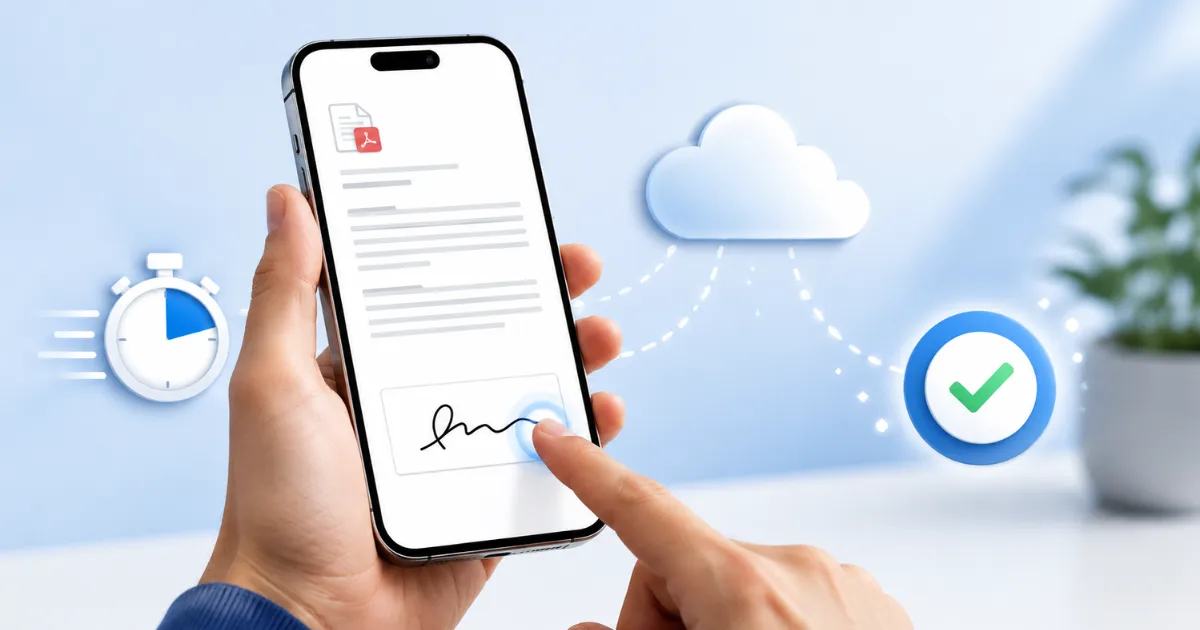
Signing a PDF document no longer requires printing pages, scanning files, or installing complicated software. Today, you can sign contracts, authorizations, and other important documents directly from your phone or computer in just a few seconds. In this guide, you'll learn how to sign a PDF online for free, quickly, and securely.
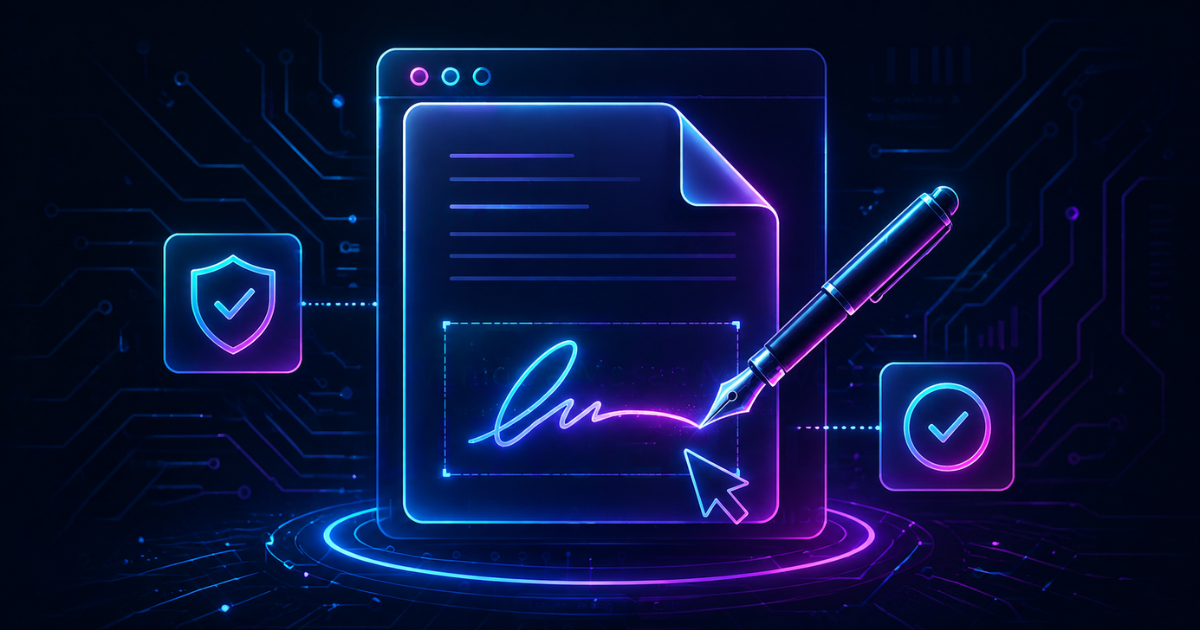 Sign PDFs Online for Free in 10 Seconds (No Registration or Programs)
This method is used for:
- Employment contracts
- School documents
- Forms
- Trade agreements
- Authorizations
- Files sent via WhatsApp or Gmail
YOU SAVE TIME
1. Upload your PDF file
- Draw it with your finger
- Write your name
- Upload an image of your signature
SMALLPDF
- Verify that the website uses HTTPS.
- Do not share sensitive documents on unknown websites
- Download the file once signed
- Download the file
- Upload it to an online tool
- Sign the document
- Forward it immediately
If you work with contracts, forms, or important documents, using an online PDF signing tool will help you save time and simplify the entire process.